
Asset management
Know who has what.
One trusted register of the people and things your organization depends on, with approved changes and clean offboarding when someone leaves.
The problem
- Laptops, tablets and vehicles are tracked in a spreadsheet nobody trusts.
- Supplier and customer details are scattered across inboxes.
- When someone leaves, their equipment and open work are easy to miss.
How it works in PRIAM
One register, kept accurate.
Step 1
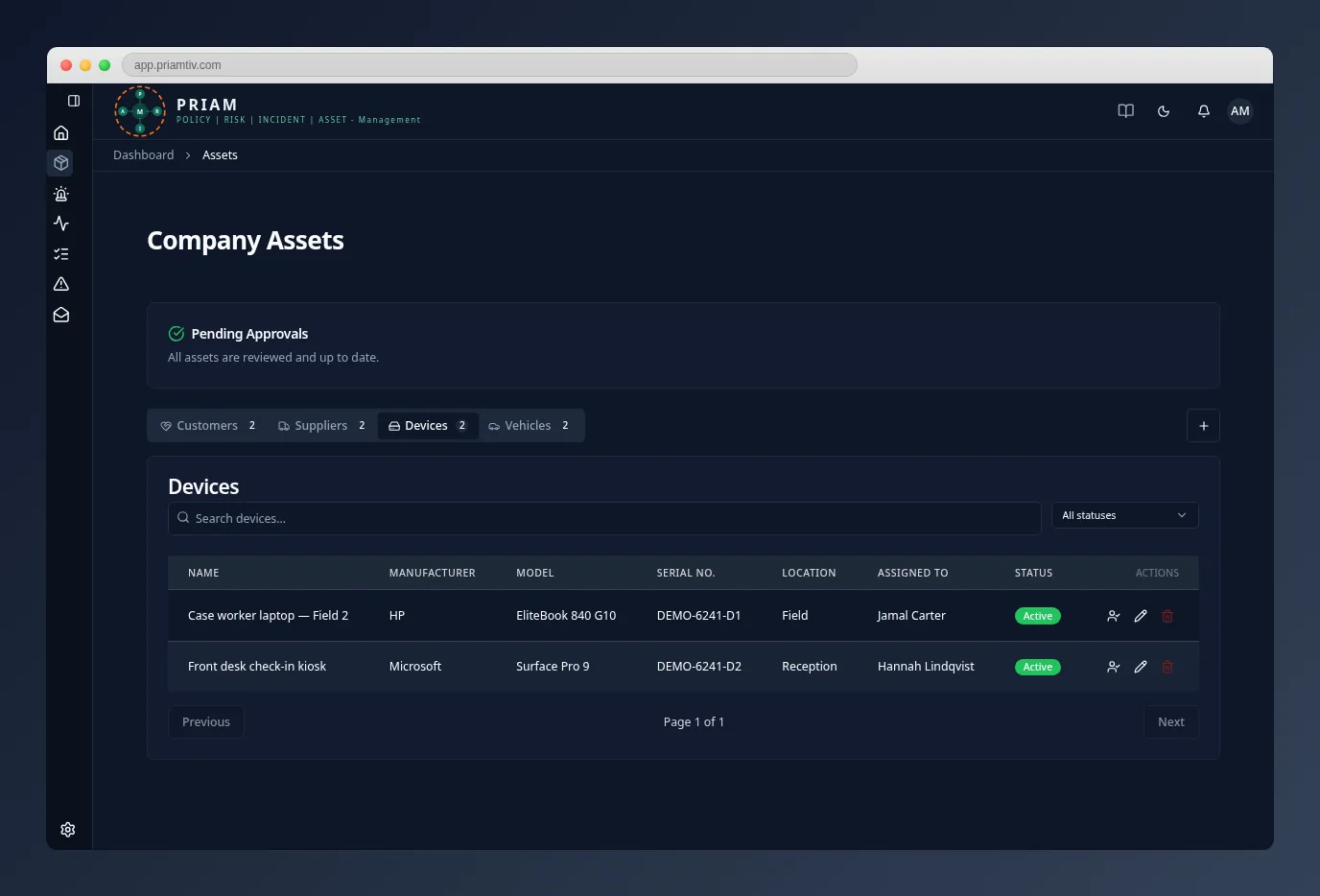
Keep one register
Keep employees, customers, suppliers, devices and vehicles in one place. Assign devices and vehicles to employees, with a history of who had what.
Step 2
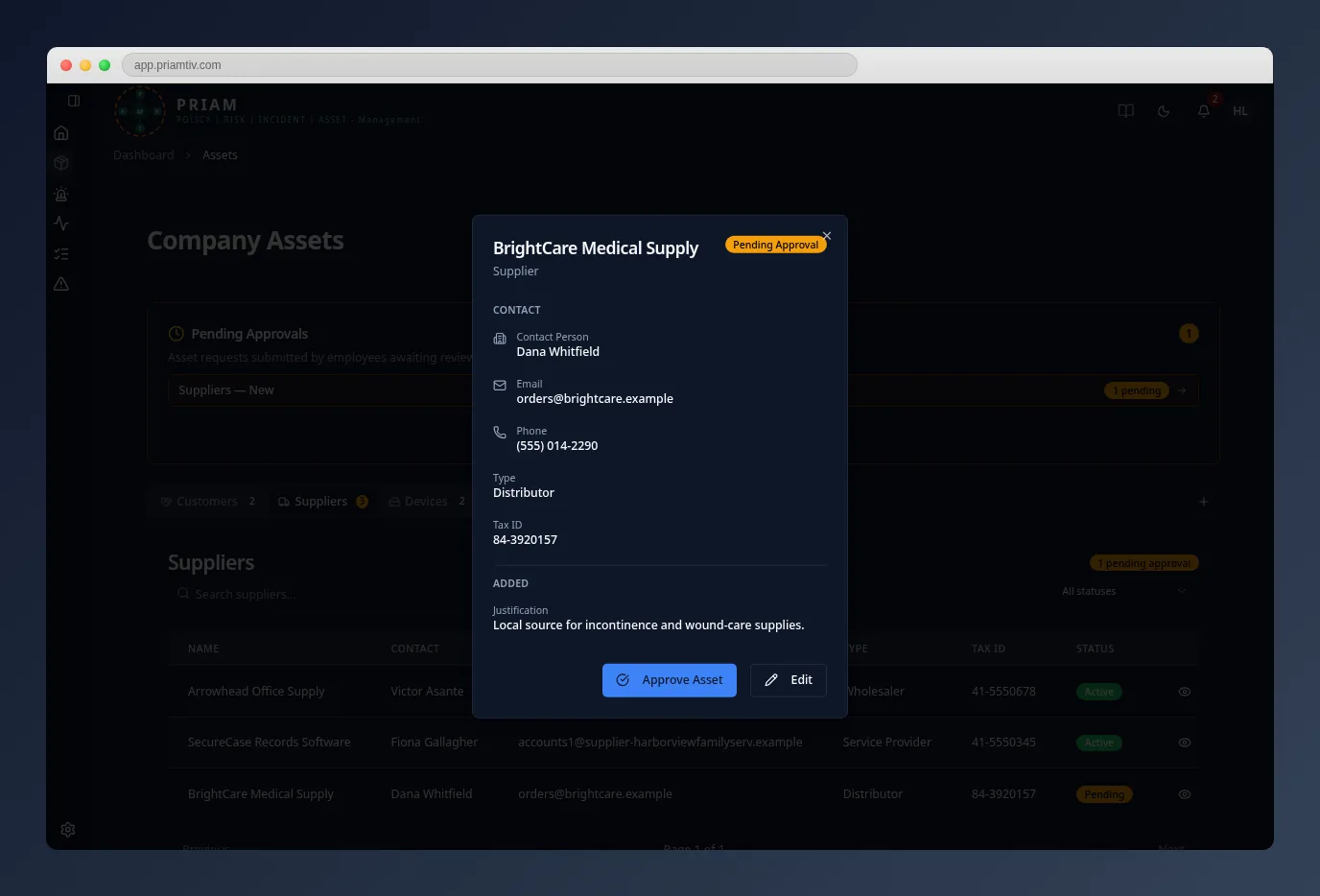
Approve changes
Staff can add records and request changes to their own details. A manager reviews and approves them, so the register stays accurate.
Step 3
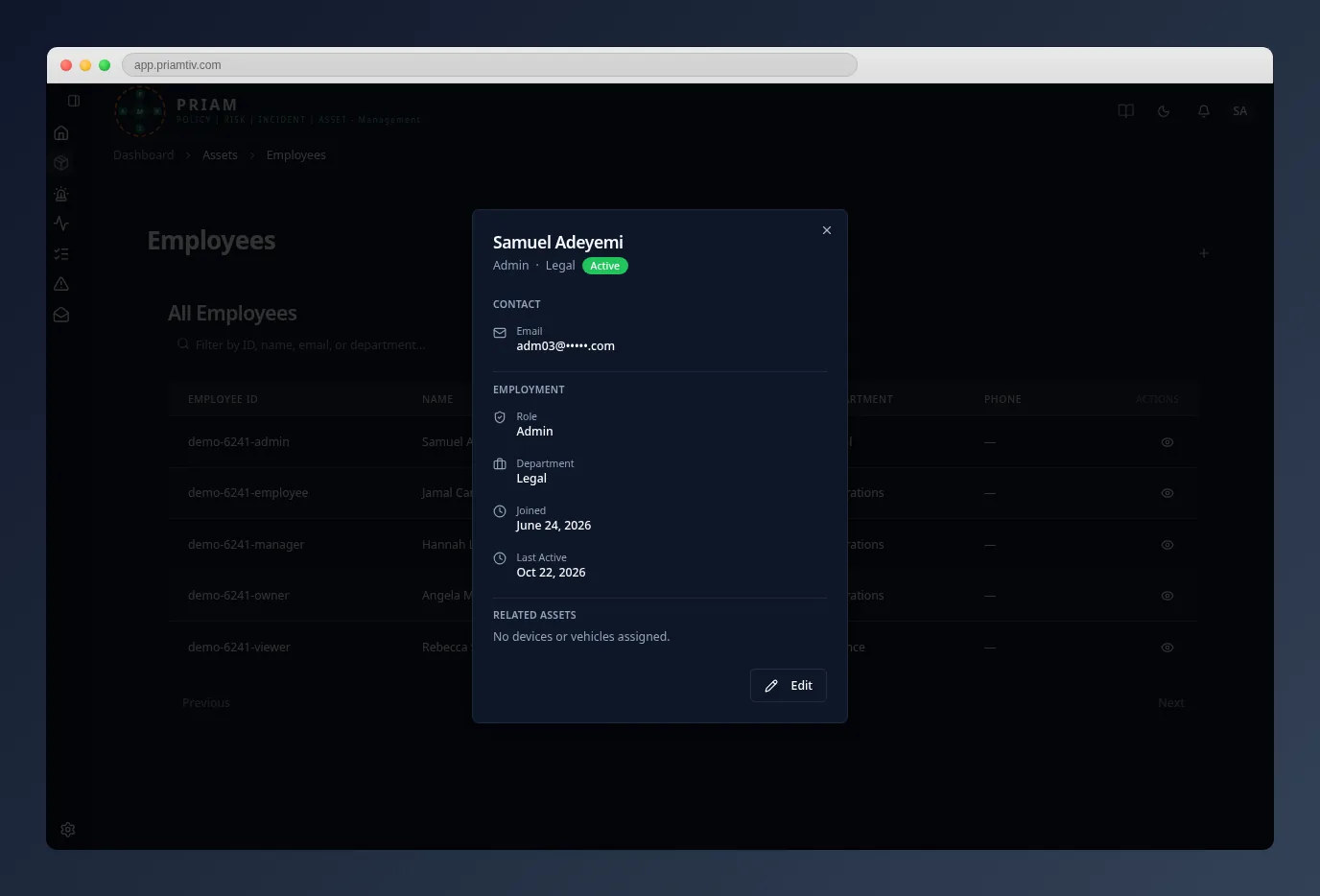
Offboard cleanly
Terminating an employee ends their access immediately, releases their devices and vehicles, and reassigns their open incidents. Returning employees can be reinstated with their history intact.
Who uses it
- Owners and administratorsManage employee records, roles and offboarding.
- ManagersApprove new records and changes, and assign equipment.
- EmployeesKeep their own details current and add equipment for approval.
Questions
What happens to an employee’s record when they leave?
It’s kept as read-only history. Their devices and vehicles are released, their open incidents are reassigned, and they can be reinstated later.
Can we retire old equipment?
Yes. Assets are retired rather than erased, so the record is preserved.
Who can see personal details?
Everyone can see the register, but other people’s addresses are visible only to managers and above.
See your register in PRIAM.
In a 30-minute walkthrough we’ll show the register and offboarding on a sample organization.